
Quick browser games for a Zoom icebreaker
Use a short browser game between meeting activities: send the room link in Zoom chat, let people join on their own devices and start when everyone is ready. There is no Quick Break Games Zoom plugin.
8 games
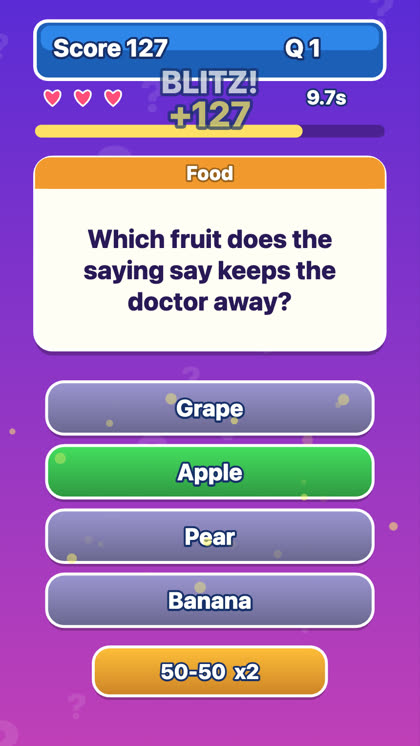
Fast general-knowledge trivia: four answers, a draining timer, streaks and a 50-50 lifeline.
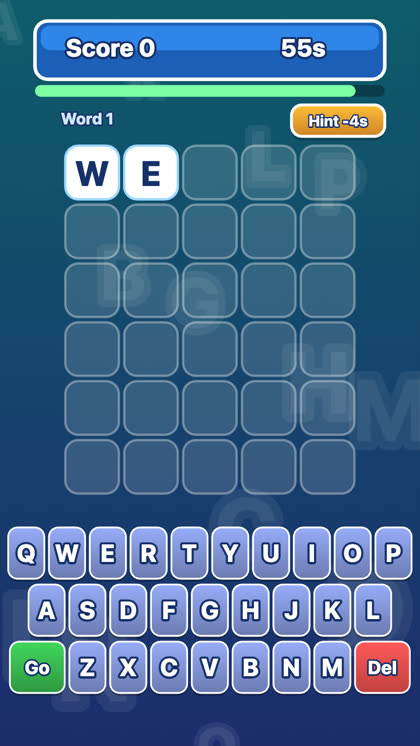
Guess the hidden five-letter word in six tries with colour clues, and every solved word adds time.
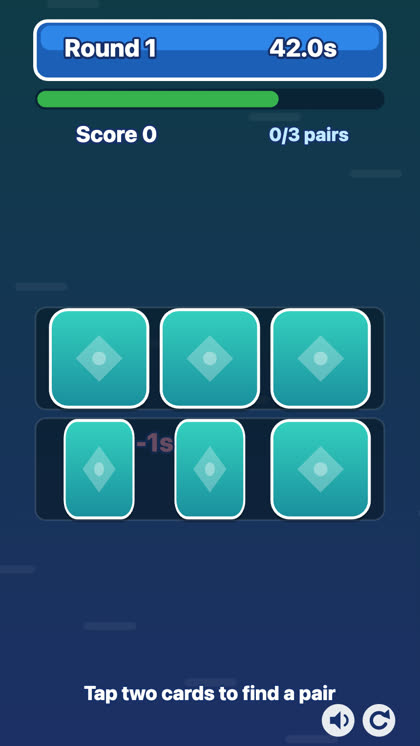
Match pairs while a conveyor slides the cards out of place.
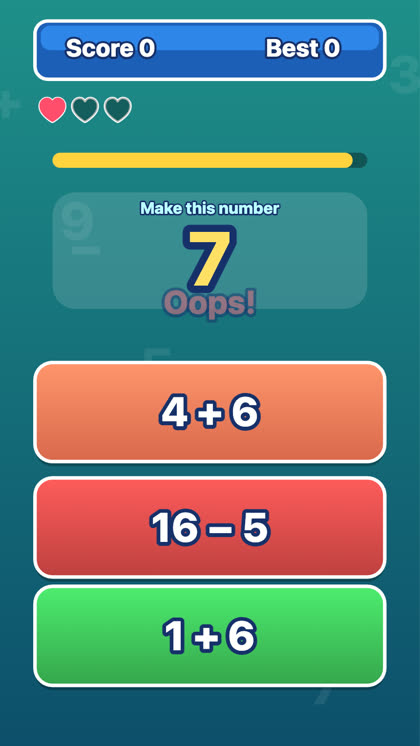
Quick sums with a burning fuse. Pick the card that fits.
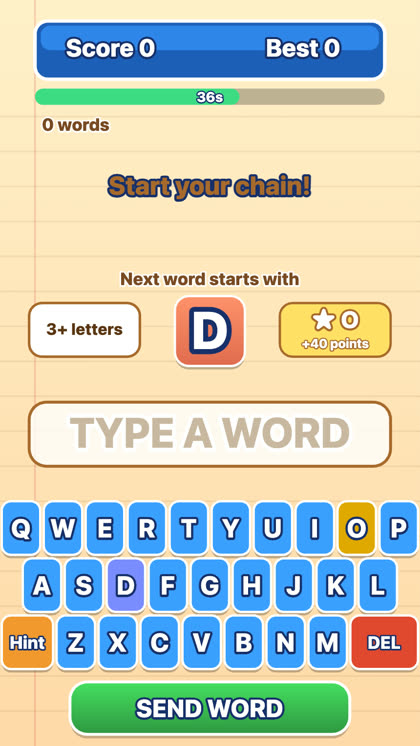
Each word starts with the last letter of the one before.
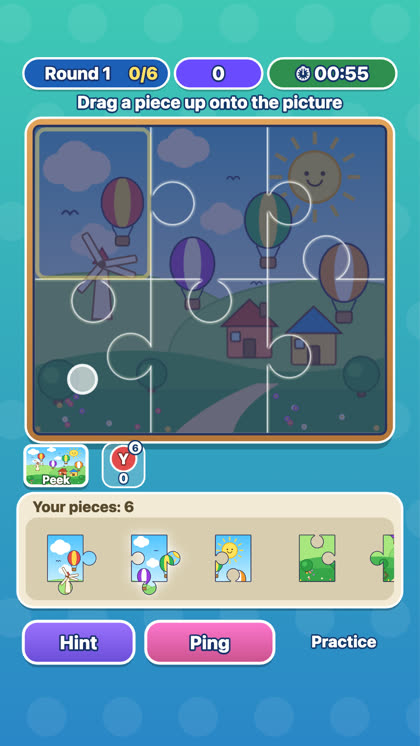
Build one big picture with your whole crew: everyone holds some jigsaw pieces, drag them in, ping the spot and pass pieces to a friend.
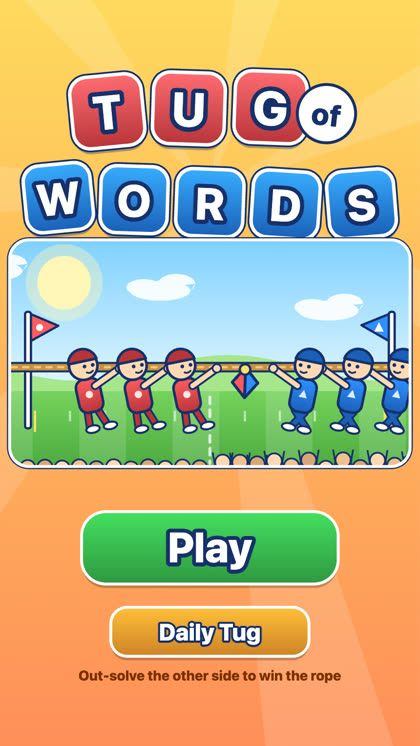
Two teams pull the rope by unscrambling words faster than the other side, with hazards and a sudden-death final pull.
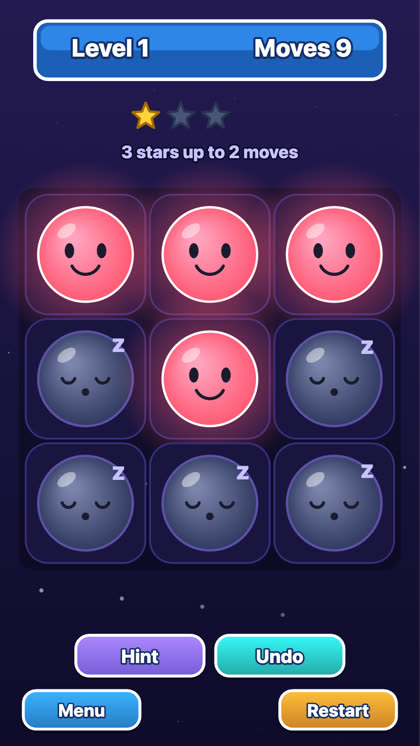
Put the sleepy bulbs back to sleep in the fewest taps.
A simple icebreaker format
- Explain the game and make participation optional.
- Create a browser room and post its link in Zoom chat.
- Players open the link and choose a nickname; the host waits for the group.
- Start a short round, then use the result as a conversation starter rather than an assessment.
Screen sharing is optional
The room has a big-screen view for displaying the race and results. Screen-share that view if useful, but every player still enters controls in their own browser. Sharing a video of the host playing is not the same as giving everyone control.
Leave room for joining
A two-minute round can need several more minutes of explanation and joining, especially for a new group. Test the chosen game and network before a meeting. These are recreational icebreakers, not a claim of improved productivity.
For a custom activity, try the quiz maker. Also see Slack break games and Teams games. Quick Break Games is not affiliated with Zoom.
Questions
Can everyone play inside the Zoom video window?
No. The game opens in each person's browser. Zoom chat is used to distribute the link; screen sharing can show results.
Do players need accounts?
No account is required to join and play a room. Saving a custom quiz and publishing leaderboard scores have separate sign-in requirements.
Which game should a new group try?
Try Trivia Blitz or Word Guess after explaining the controls. Test your selection before the call and allow time for participants to join.