
Quick games for a Microsoft Teams break
Start a browser room, paste its link into a Microsoft Teams chat and invite coworkers to a short round. This is a web-link workflow, not an official Teams app, meeting extension or embedded Teams tab.
8 games
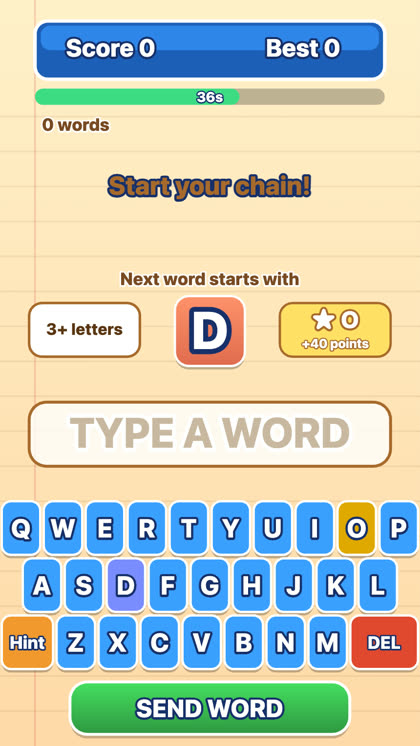
Each word starts with the last letter of the one before.
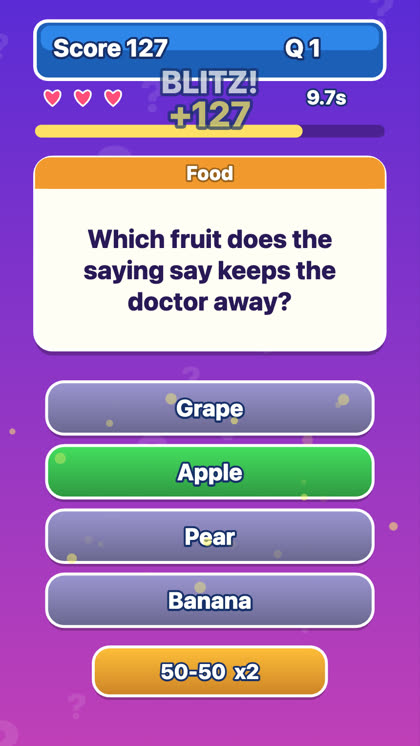
Fast general-knowledge trivia: four answers, a draining timer, streaks and a 50-50 lifeline.
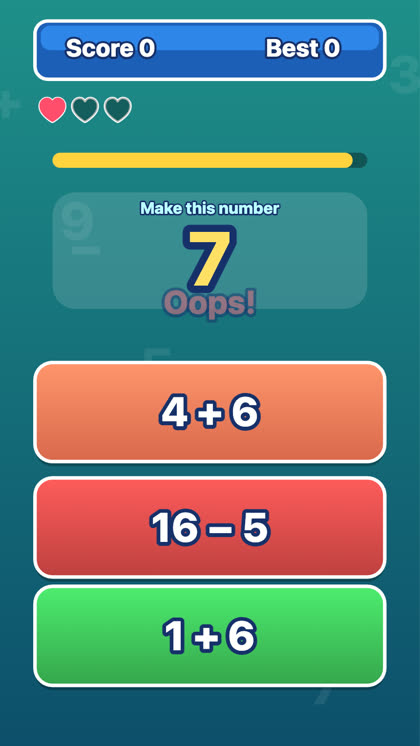
Quick sums with a burning fuse. Pick the card that fits.
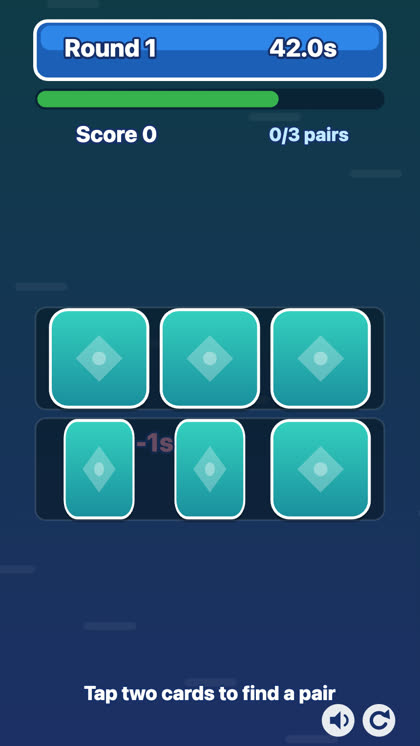
Match pairs while a conveyor slides the cards out of place.
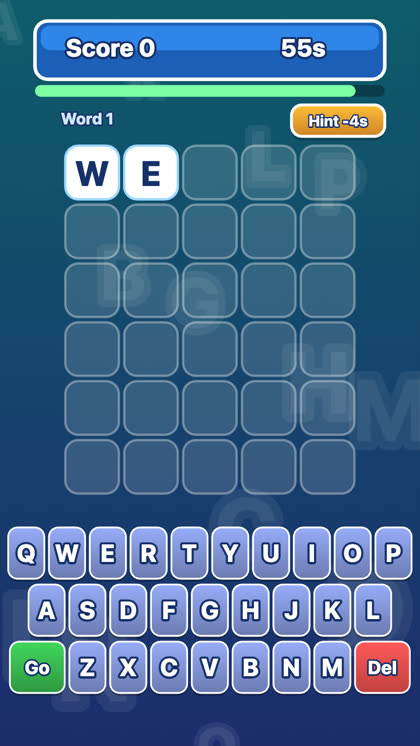
Guess the hidden five-letter word in six tries with colour clues, and every solved word adds time.
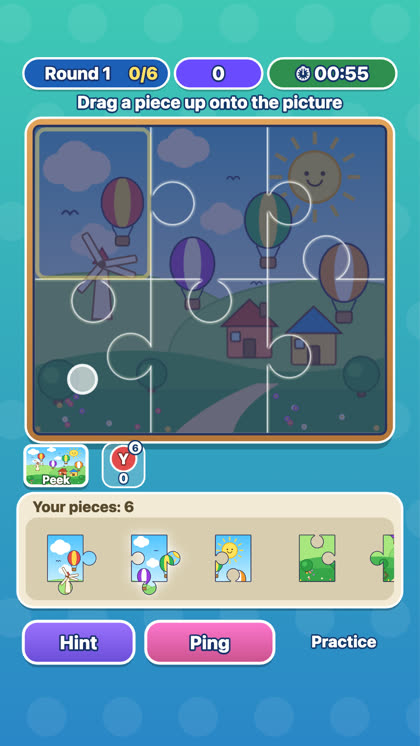
Build one big picture with your whole crew: everyone holds some jigsaw pieces, drag them in, ping the spot and pass pieces to a friend.
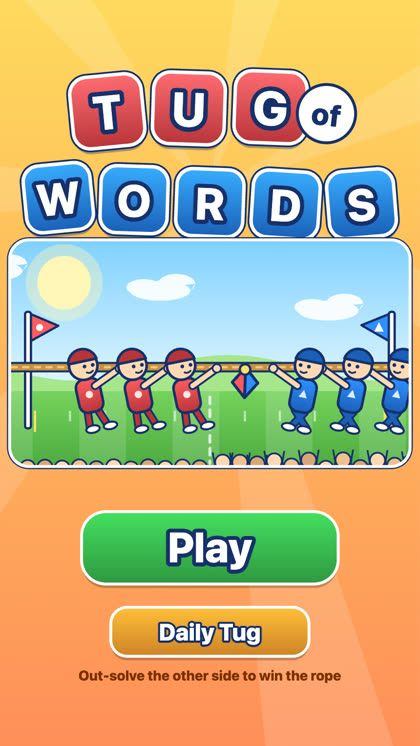
Two teams pull the rope by unscrambling words faster than the other side, with hazards and a sudden-death final pull.
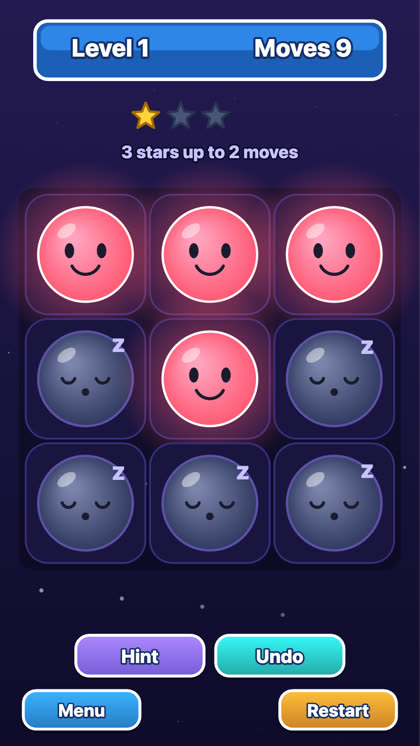
Put the sleepy bulbs back to sleep in the fewest taps.
Bring a room to your team chat
- Check that games are permitted and agree on a break.
- Host a game, select its round length and copy the room link.
- Post the link in Teams chat. Players open it in a browser and join with nicknames.
- Start when everyone is ready; use Rematch to play another round in the same room.
One screen per player
Room-supported puzzle races generally give players separate boards with the same seed. For cooperative play, choose a game specifically described as cooperative, such as Team Jigsaw. You can show the big-screen view during a call without replacing players' own controls.
No company account connection
We do not connect this workflow to your Microsoft account, organisation directory or work email domain. Work and school networks may still restrict the site. Keep participation voluntary and do not include private business data in quizzes.
Read how to run a short work break, Slack games or Zoom icebreakers. Quick Break Games is not affiliated with Microsoft.
Questions
Is there an official Quick Break Games Teams app?
No. This guide uses normal browser links shared through Teams chat, not a Teams Store app or slash command.
Can the same room play another round?
Yes. The host can start a rematch; other players can ask for one. The room keeps its series results.
Does it bypass company network restrictions?
No. Browser games remain subject to your organisation's access policy. Ask your administrator if the site is restricted.