
Free games for a Slack team break
Invite coworkers to a short game by posting a browser room link in Slack. Everyone opens the game separately; Quick Break Games is not an installed Slack app or a /break command.
8 games
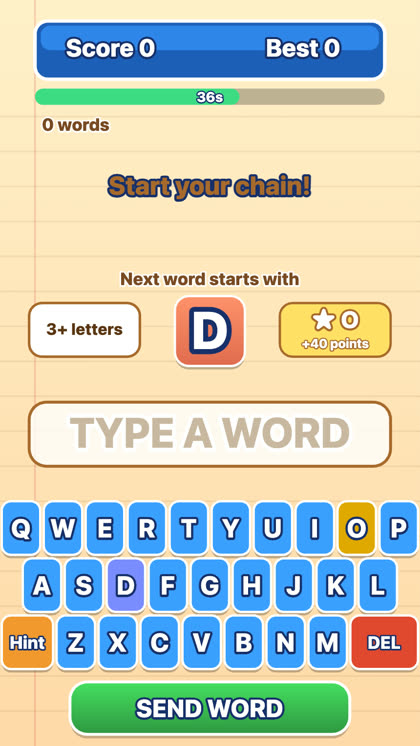
Each word starts with the last letter of the one before.
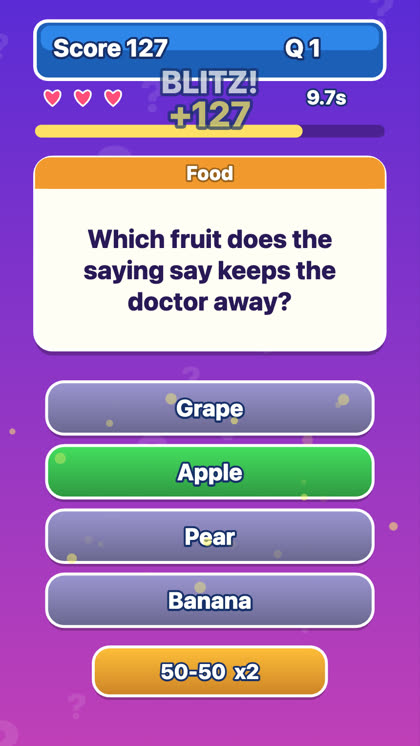
Fast general-knowledge trivia: four answers, a draining timer, streaks and a 50-50 lifeline.
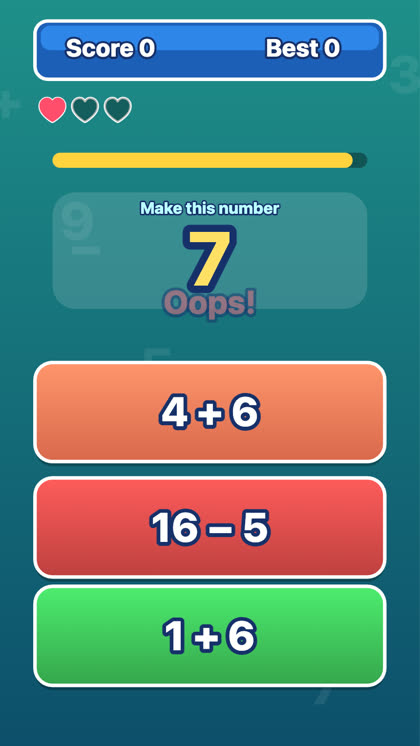
Quick sums with a burning fuse. Pick the card that fits.
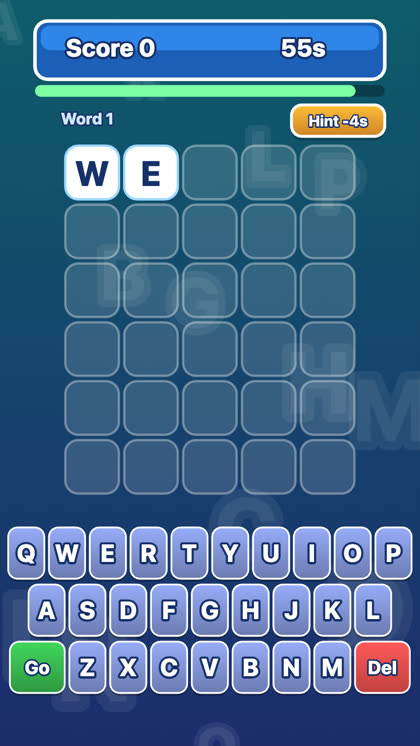
Guess the hidden five-letter word in six tries with colour clues, and every solved word adds time.
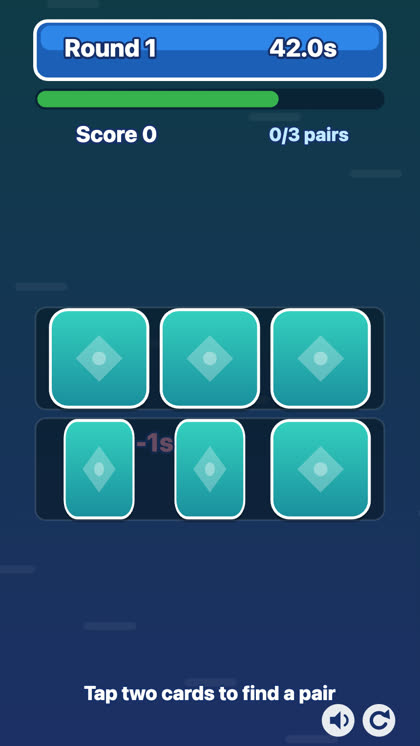
Match pairs while a conveyor slides the cards out of place.
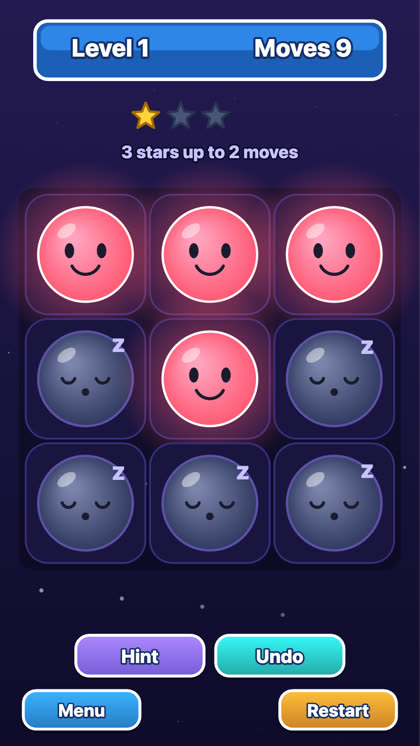
Put the sleepy bulbs back to sleep in the fewest taps.
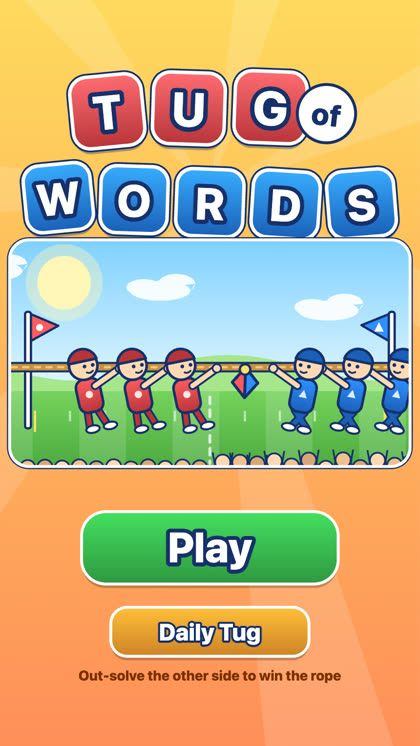
Two teams pull the rope by unscrambling words faster than the other side, with hazards and a sudden-death final pull.
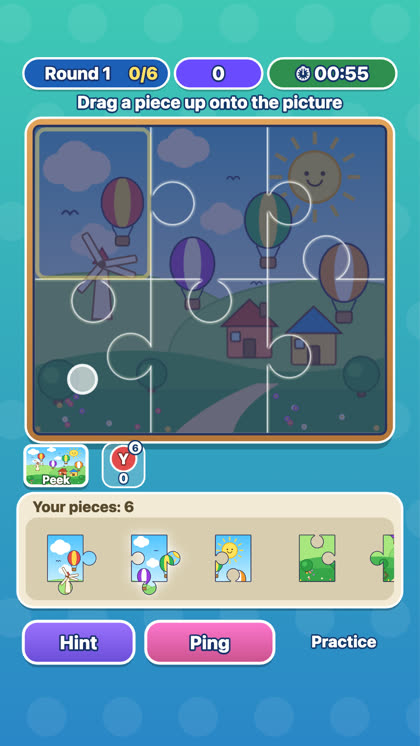
Build one big picture with your whole crew: everyone holds some jigsaw pieces, drag them in, ping the spot and pass pieces to a friend.
Set up a two-minute Slack break
- Agree on a break time and let teammates opt in.
- Host a room, choose a supported game and set its round length.
- Copy the room link or code into a Slack channel.
- Wait for everyone to join, then start the round. Loading and joining take extra time.
Choose the right kind of competition
Word and number games suit a quiet desk break. In seeded puzzle races, each player controls an independent version of the same board; they are not editing one shared puzzle. Team Jigsaw is a separate cooperative option.
Keep it optional
A nickname is enough to join a room; an account is not required to play. Respect workplace policies and avoid putting confidential information into custom quizzes. Quick Break Games is not affiliated with Slack.
See the work break guide, Teams game guide or Zoom icebreaker guide.
Questions
Do I need to install a Slack bot?
No. This workflow shares a normal web link in Slack. There is no official Quick Break Games Slack command or installed integration.
Can coworkers play from phones?
They can open the room link in a supported browser on a phone or computer, subject to their network policy.
Does a two-minute round include setup?
No. Allow additional time to choose a game, load it and join the room before the timed round starts.