
Browser games to try on a Chromebook
A Chromebook can play web games without installing an Android app. Start with these small-board puzzles and short word or number games, using the game's own mouse, keyboard or touch controls.
10 games
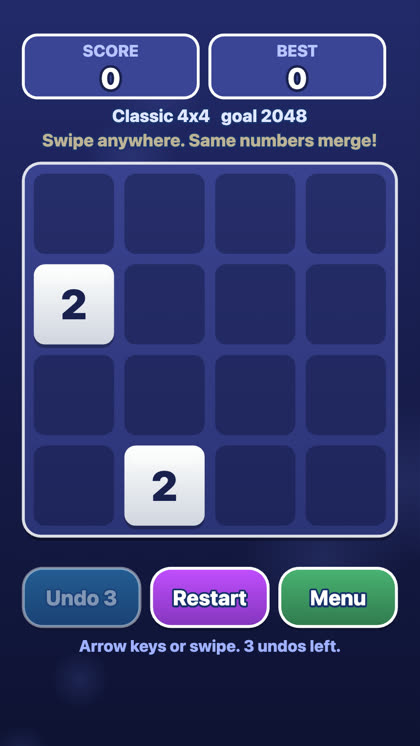
Play 2048 free: swipe to slide and merge tiles, reach 2048, then keep going. Classic 4x4, relaxed 5x5 and a daily board.
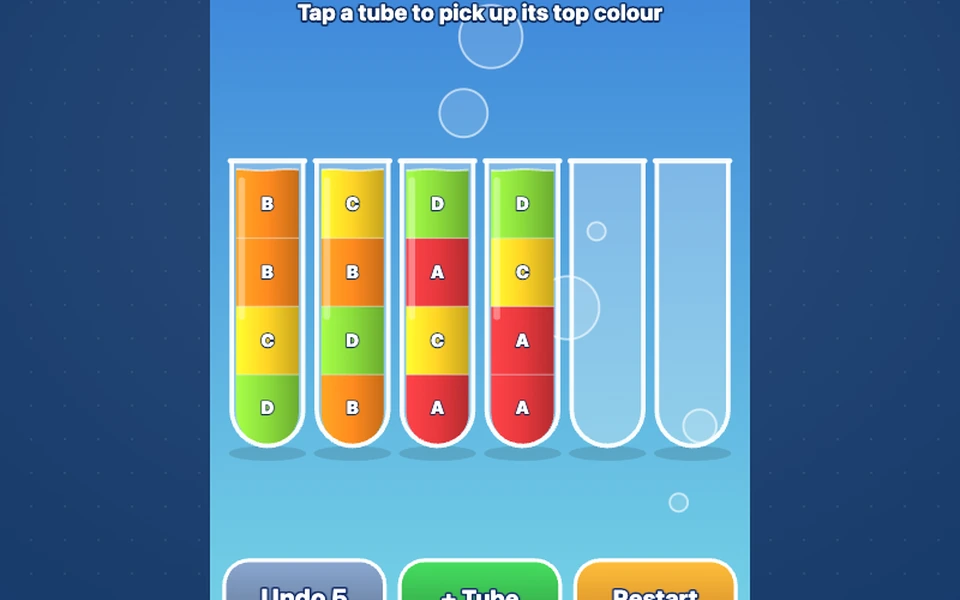
Pour coloured liquid between test tubes in a saved 25-level solo campaign or a five-puzzle score run, with par scoring.
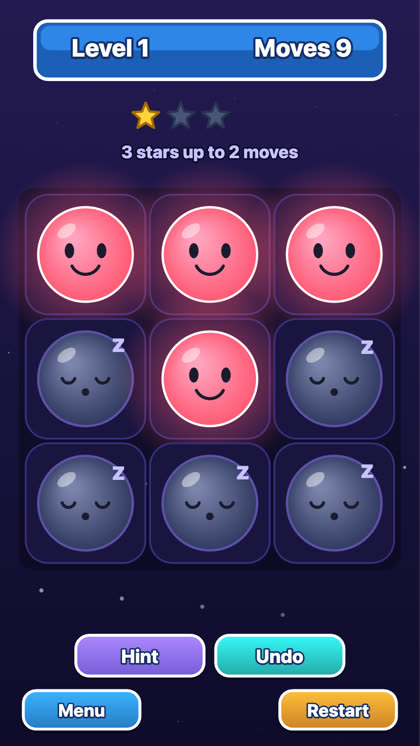
Put the sleepy bulbs back to sleep in the fewest taps.
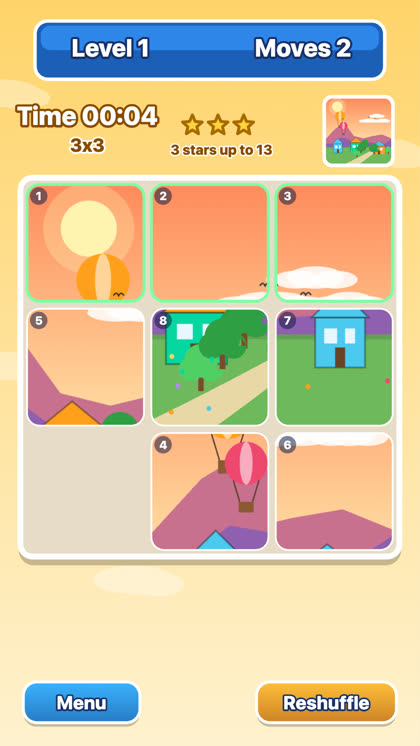
Slide the tiles to rebuild a little painted village.
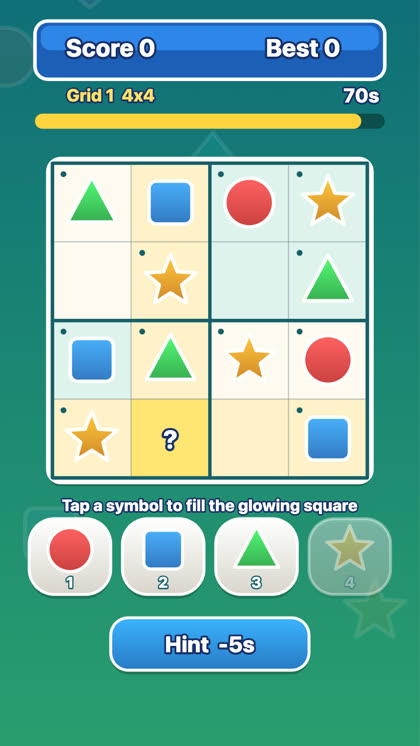
Fill tiny 4x4 and 6x6 Sudoku grids with colourful symbols before the clock runs out. Mistakes and hints cost seconds.
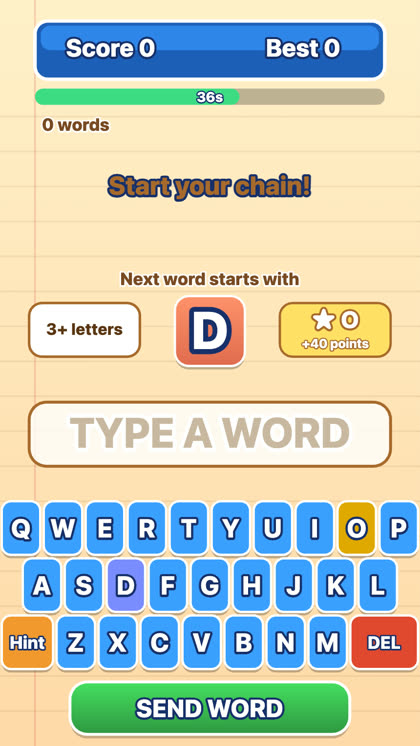
Each word starts with the last letter of the one before.
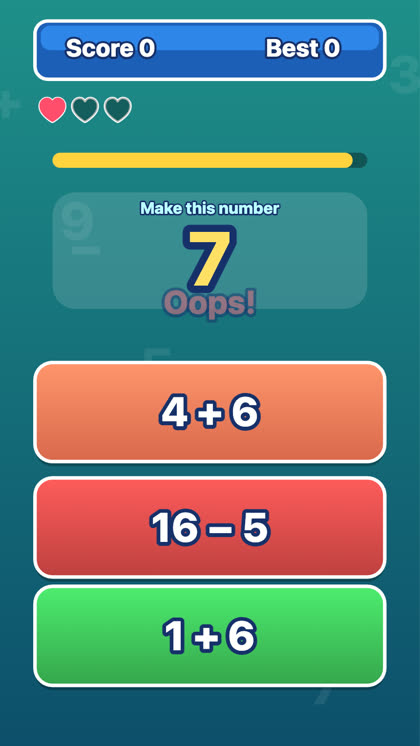
Quick sums with a burning fuse. Pick the card that fits.
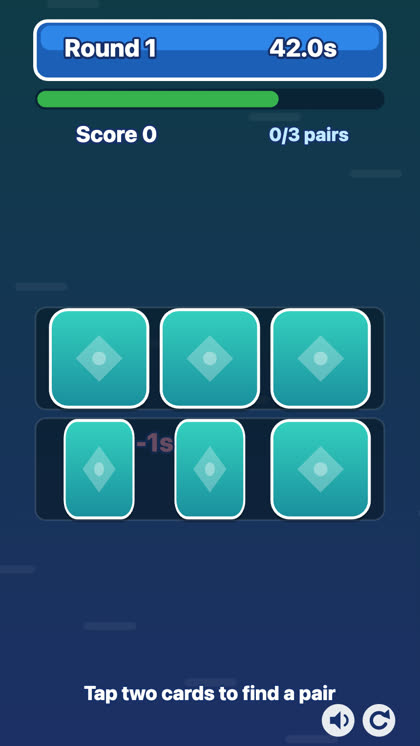
Match pairs while a conveyor slides the cards out of place.
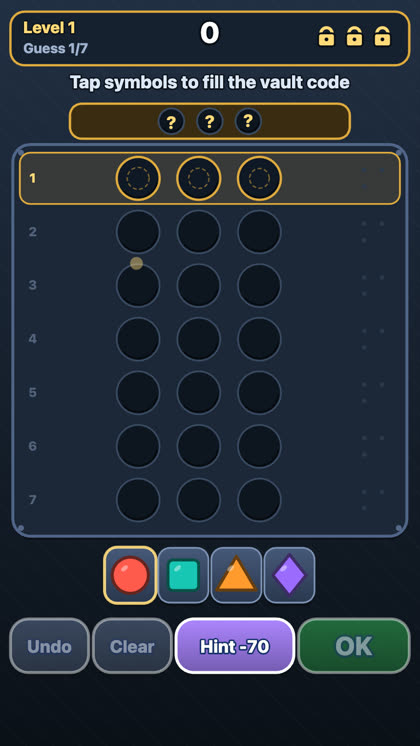
Crack the vault code in as few guesses as you can, using clue pegs. A free Mastermind style brain game.
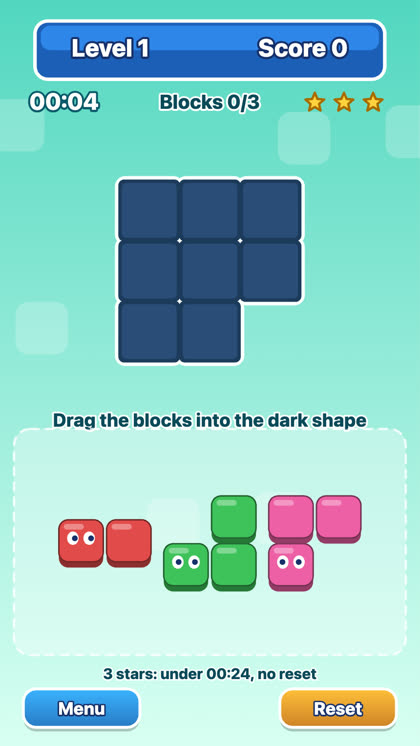
Drag little coloured blocks into the dark shape until it is filled exactly, with 3 blocks growing to 8.
Pick a game for your controls
2048 supports directional input, sorting games use taps or clicks, and word games have their own on-screen controls. Read the controls below each game before starting. These are curated browser choices, not a certification that every Chromebook model has been tested.
Keep the break lightweight
Close unused tabs if play is slow. Prefer a small 2D puzzle over a large 3D adventure on an older device. Loading time depends on the connection, hardware and browser; it is not guaranteed to be instant.
School-managed devices
Device and network policies can restrict web games even when no installation is needed. Our network access guide explains why a browser game is not a filter bypass. Play only when permitted.
Choose a two-minute game or visit brain games for more word, memory and number challenges.
Questions
Do these require the Play Store?
No. Open the game in the browser. A Play Store or Android app installation is not required.
Will every game run well on every Chromebook?
No. Performance depends on the model, browser and available memory. This selection favours small puzzles; individual ChromeOS devices have not all been tested.
Can a managed Chromebook still block the site?
Yes. Your organisation controls device and network access. Browser-only play does not override those restrictions.