
Unblocked games for permitted school and work breaks
Looking for an unblocked game? These games open in a browser, but your school or workplace decides which websites are allowed. Quick Break Games does not bypass filters or guarantee access on a managed network.
8 games
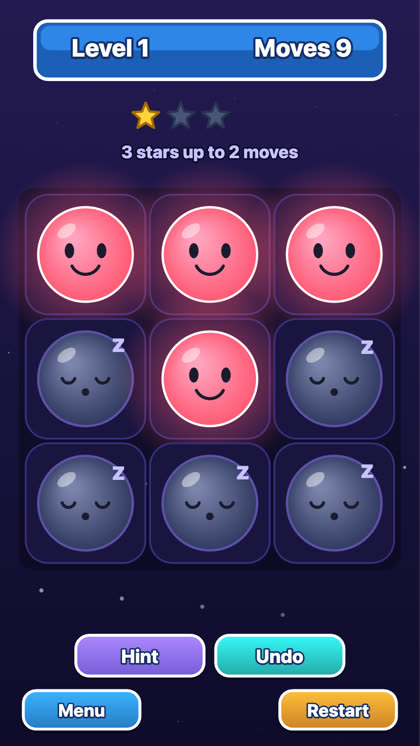
Put the sleepy bulbs back to sleep in the fewest taps.
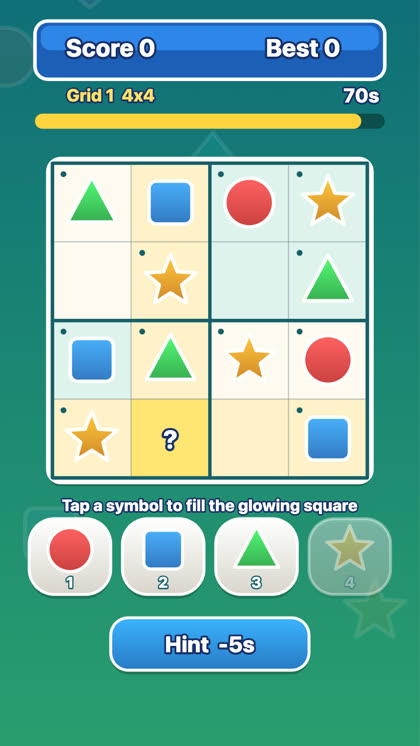
Fill tiny 4x4 and 6x6 Sudoku grids with colourful symbols before the clock runs out. Mistakes and hints cost seconds.
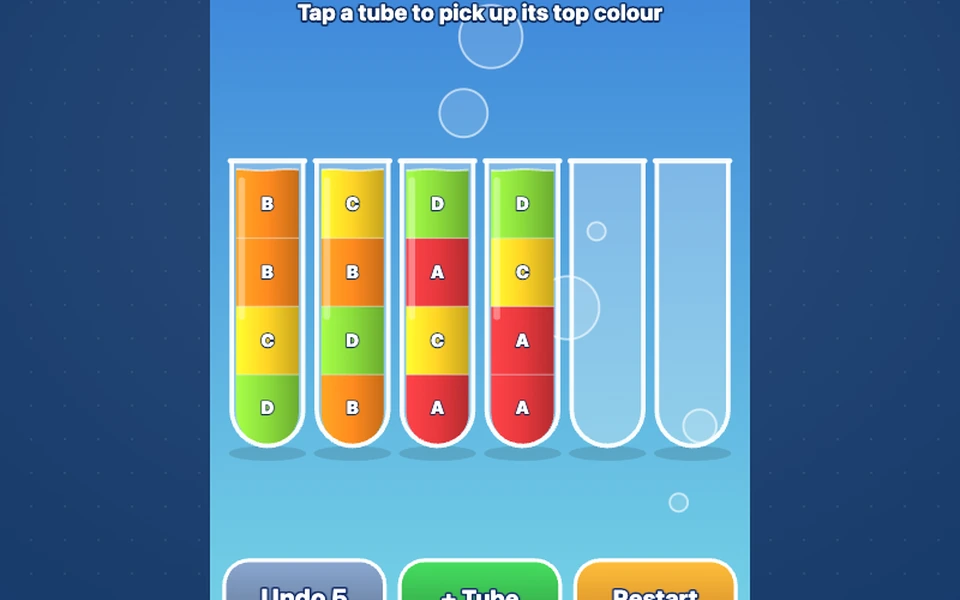
Pour coloured liquid between test tubes in a saved 25-level solo campaign or a five-puzzle score run, with par scoring.
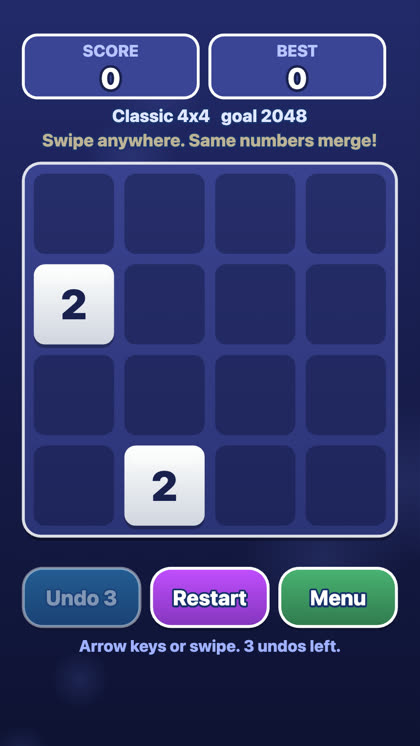
Play 2048 free: swipe to slide and merge tiles, reach 2048, then keep going. Classic 4x4, relaxed 5x5 and a daily board.
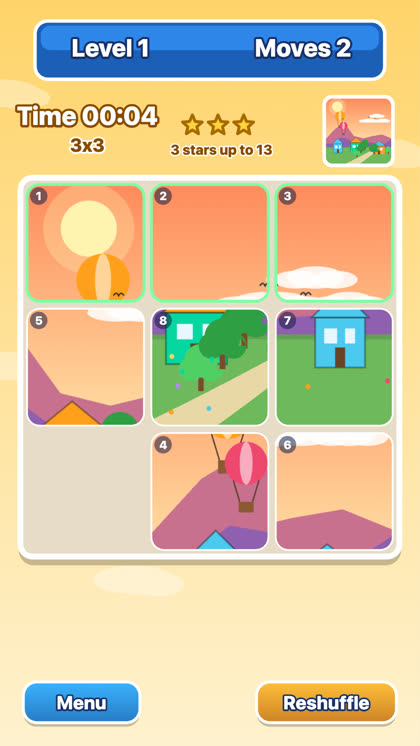
Slide the tiles to rebuild a little painted village.
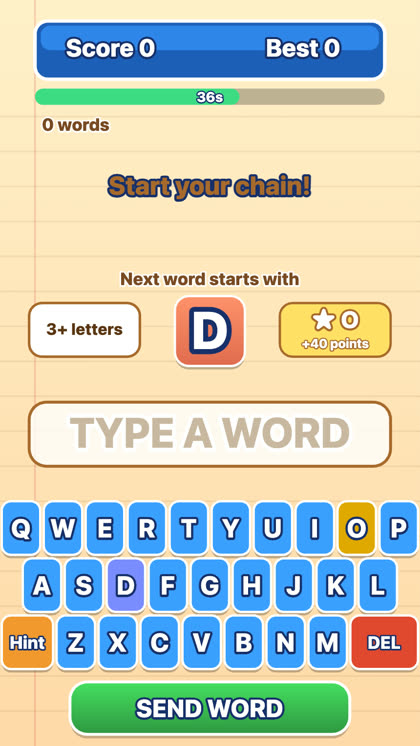
Each word starts with the last letter of the one before.
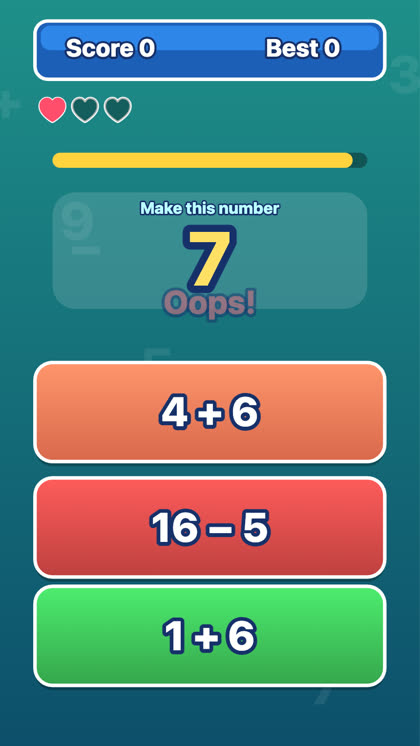
Quick sums with a burning fuse. Pick the card that fits.
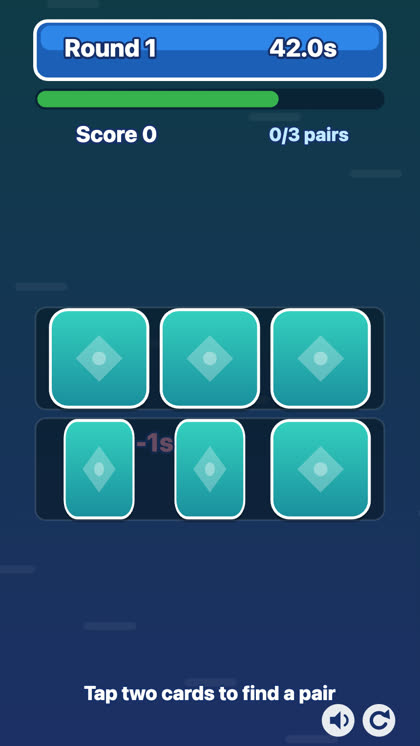
Match pairs while a conveyor slides the cards out of place.
Check permission before playing
Use games only during an approved break. If this domain is blocked, ask your teacher or IT administrator whether it can be allowed. Do not use proxy sites, alternate domains or VPNs to get around an access policy.
Start with a quiet puzzle
Glow Grid asks you to switch lights off; Water Sort asks you to separate colours; Sudoku Mini starts with small symbol grids. Choose a game you can stop when the break ends and turn sound off if others are working.
Browser play still uses the network
No installer does not mean no data: the browser downloads the game and its assets. Rooms and online leaderboards also need a connection. For lightweight choices, visit Chromebook browser games; for a shorter break, browse one-minute games.
Questions
Will these games be unblocked at my school?
Not necessarily. Access depends on your school or workplace filtering policy. Ask the administrator if access is restricted.
Do I need to install an app?
No app is required for browser play. You still need permission to use the site and a connection to load the game.
Are these classroom learning tools?
They are recreational games, including word, number and logic puzzles. They are not a curriculum, assessment system or substitute for instruction.