
Run a 2-minute game break with your team
Paste one link into your Slack, Teams or Zoom chat and your team is playing the same game two minutes later. No accounts, no install, nothing for IT to set up.
How to start, in four steps
- Open Play with friends and pick a game that suits your team (ideas below).
- Press Copy link. It copies a ready message: "2-minute game break? Join my room CODE" plus the link.
- Paste it into your Slack channel, Teams chat or Zoom chat.
- When people have joined, press Start. Everyone plays the same board, and scores update live.
The link shows a preview card in most chat apps. People type a nickname and play on a laptop or phone.
Games that work well in two minutes
- Bomb Pass: fast, loud and funny. Good for a call.
- Paint War: team colours on a shared board.
- Sketch Squad: one person draws, the rest guess.
- Button Panic: teammates call out orders to each other.
Tips for a good break
- Keep it short. One round, name the winner, back to work.
- Do it at the same time each week so it becomes a habit, for example Friday after the stand-up.
- Add a computer player if only a few people join, so the room never feels empty.
- Share the Big screen window on a call so everyone can watch the live scores.
- If your office network blocks the site, ask IT to allow quickbreakgames.com.
For other times of day, or people in different time zones, see free virtual team games, online team building games, office break games and games to play at work.
Questions
Do my colleagues need an account?
No. They open the link and type a nickname.
Is there a Slack or Teams app?
Not yet. For now you paste the room link into any chat, and it works in Slack, Teams, Zoom, Google Chat and email.
How long does a round take?
About two minutes for most games.
Is it free?
Yes.
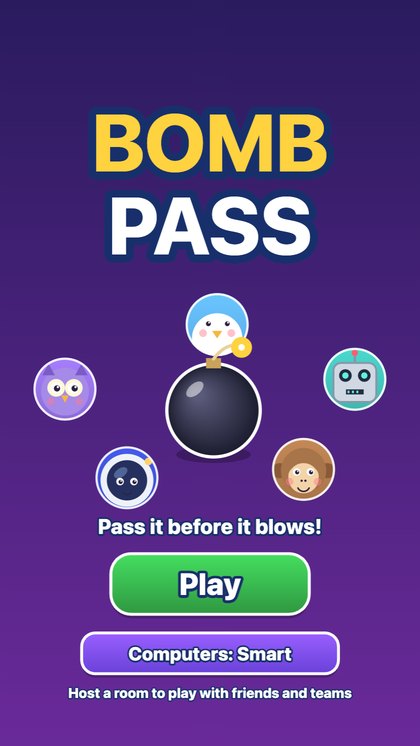 Bomb Pass
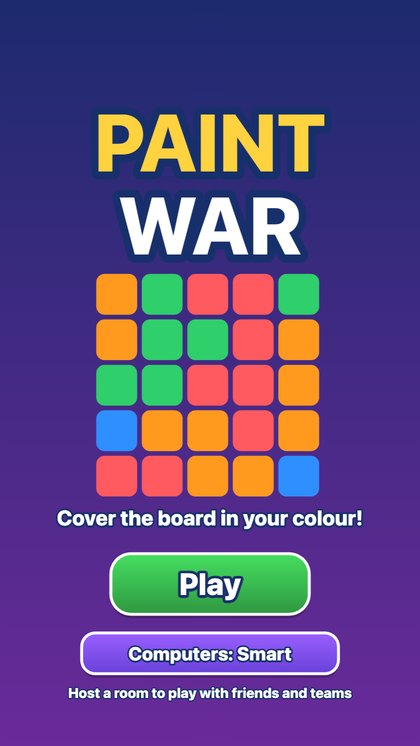 Paint War
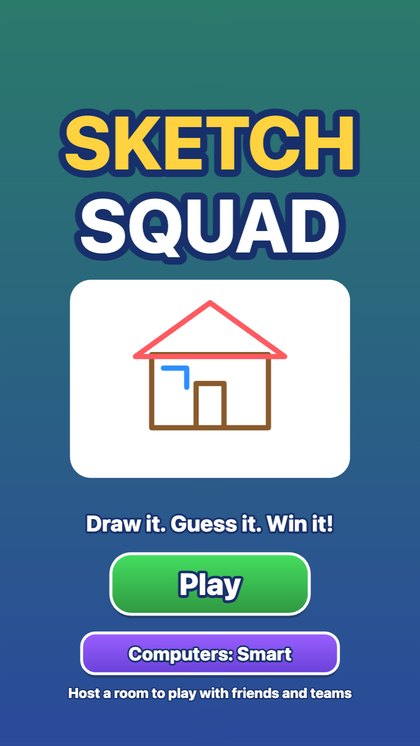 Sketch Squad