Team virtual games: free games for remote teams in 10 minutes
Remote teams do not need a long event to feel connected. Ten minutes of a shared game on a video call is often enough to get people laughing and talking. Team virtual games on Quick Break Games run in the browser: one person makes a room, shares a six-letter code, and everyone joins from a phone or laptop. No download, no registration.
How a team virtual game works
- The host picks a game and presses Host a room.
- Everyone enters the code on the home page.
- In the lobby, the host can split people into 2 to 4 teams. A team's score is the average of its members, so a bigger team has no advantage.
- Everyone plays the same board at the same time, then a podium shows the result.
Games that work well for remote teams
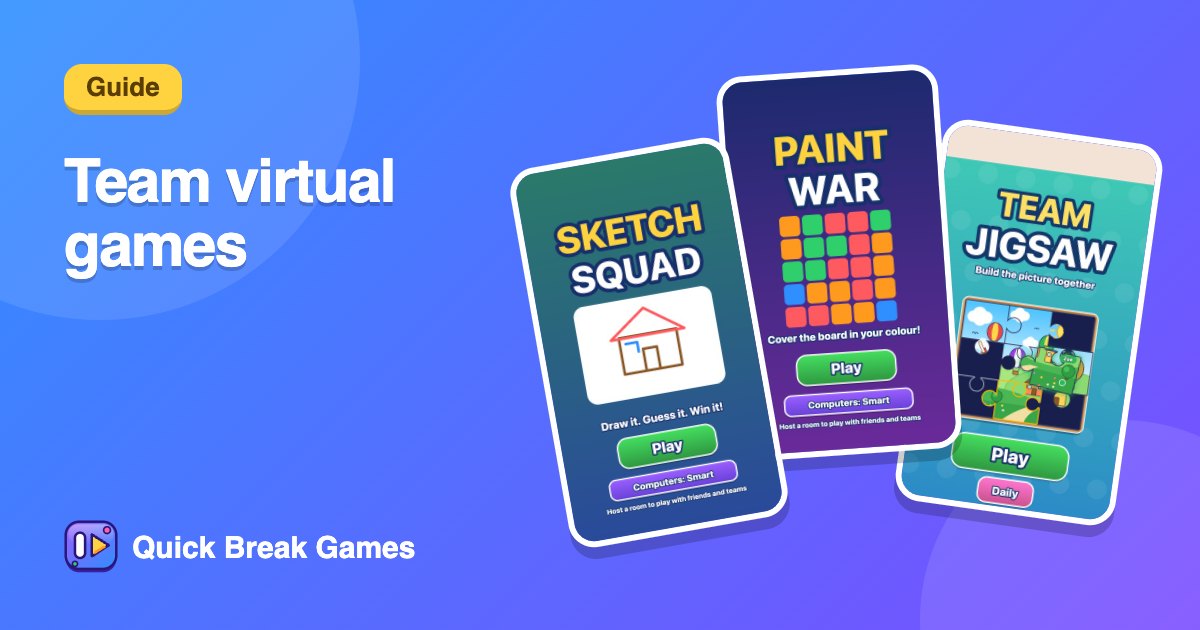
- Team Jigsaw: everyone holds some pieces of one big picture, so the team has to work together.
- Paint War: teams fight over a shared grid of colour.
- Sketch Squad: draw and guess. It is good for people who do not know each other well.
- Word Chain: a calm word game that suits a call while people chat.
- Quick Count: fast, easy and needs no explanation.
Tips for a good session
- Keep it short. Ten minutes is better than thirty.
- Start with an easy game so nobody feels left behind.
- Share the code in the chat and keep the video on, because the laughing is half the point.
- Mix teams across time zones or departments to help people meet new colleagues.
More ideas: free virtual team games, games to play on a Teams or Zoom call and how to run a team game break.