Games to play on a Teams or Zoom call
You do not need to install anything to play a game on a video call. Everyone opens the same link in their browser, plays on their own phone or laptop, and the call is where you talk, laugh and watch the scores.
The easy way: one room code
- One person opens Host a room, picks a game and a length from one to thirty minutes.
- They paste the 6-letter code or the link in the call chat.
- Everyone joins on their own screen with a nickname. No accounts.
- The host presses Start. After a short countdown everyone plays at the same time.
Keep the call open on a laptop and play on your phone, so the video does not cover the game.
Show the scores on a shared screen
The host can open the Big screen from the lobby. It shows the live scores. Share that window in Teams, Zoom or Meet, and the whole call can follow the race while they play on their own devices.
Good games for a call
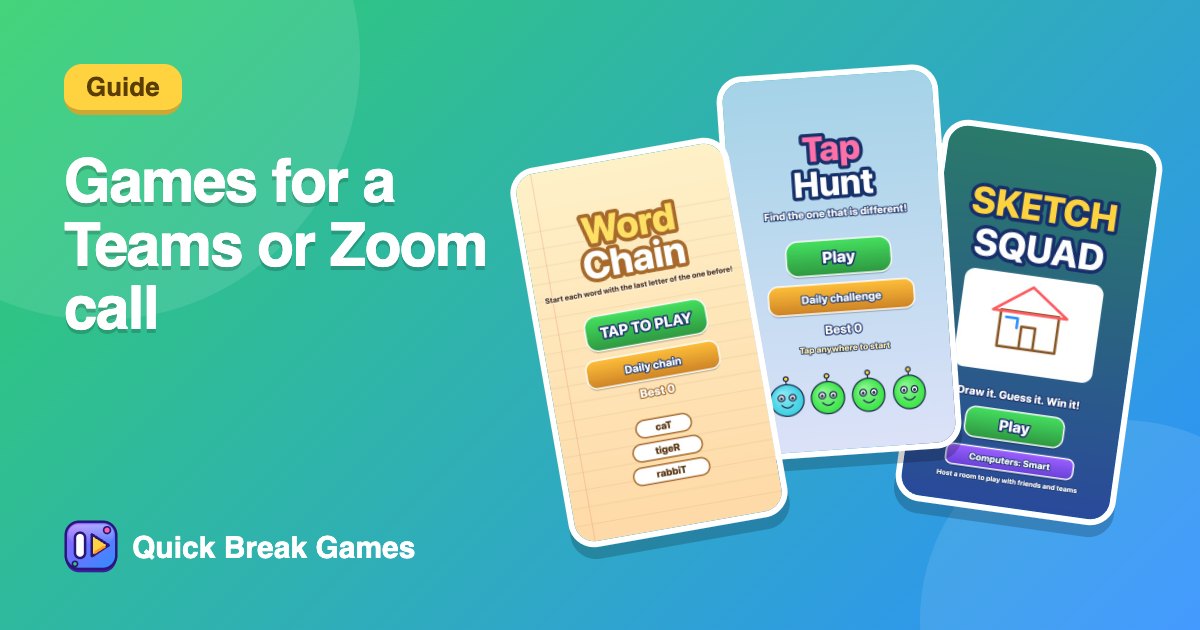
- Sketch Squad: one person draws, everyone else guesses. It works well when people are talking.
- Tap Hunt: a fair first race, easy to explain in one sentence.
- Word Chain: friendly and quiet, good for a mixed group.
- Paint War: split into teams and watch the board change colour.
- Bomb Pass: loud and funny, great for an end-of-meeting treat.
- Quiz Time: play a ready-made quiz or write your own, 15 seconds a question.
Tips that help
- Keep it short. Two or three rounds of a minute or two beat a long session.
- Use nicknames so the table is easy to read from the call.
- Agree on the stakes. A silly prize like choosing the next meeting's song is enough.
- Add computer players from the lobby if people are missing.
- Test your link first if your company blocks some sites, so nobody is stuck at the start.
Want more? See games to play at work, icebreaker games and online team building games.