How to run a team game break with a room code
A short, shared game is a good way to start a meeting, end a long week or give a remote team something to laugh about. Here is a simple way to run one.
Before you start
- Decide how long. Ten minutes is plenty: two or three rounds with a minute or two each.
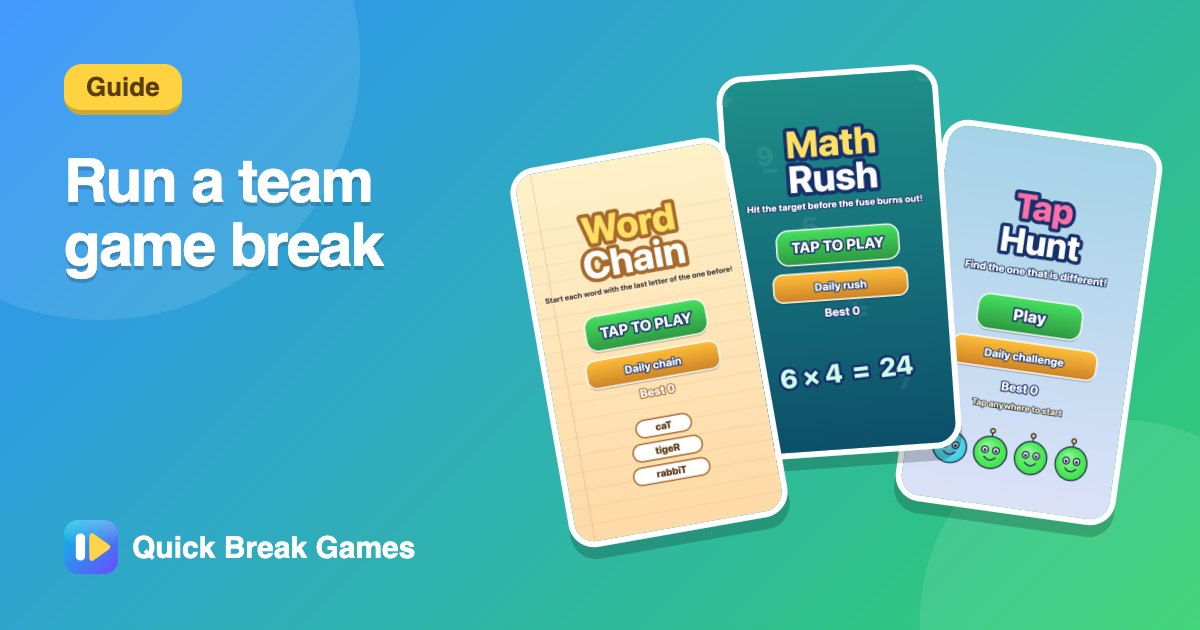
- Pick easy games. If you can explain it in one sentence, it is a good choice. Try Tap Hunt, Colour Clash or Math Rush.
- Check everyone can open the site. It runs in the browser on a phone or laptop.
Step by step
- Open Host a room. Choose the game and the length.
- Type your name and press Create room. You get a 6-letter code.
- Share the code, or the link, in the team chat or on screen.
- As people join, their names appear in the lobby. When the room is ready, press Start.
- After a short countdown everyone plays the same board. Scores update live.
- At the end, a podium shows the top players, and everyone can press Share.
Keep it fun
- Change the game each round so different people have a chance to win.
- Use nicknames, so people can join quickly.
- If numbers are low, add a computer player from the lobby.
- Keep the stakes light. A silly prize like picking the next song is enough.
More ideas: see team games and office break games.