
Online games for the classroom
A short game can be a good reward, a brain warm-up or a way to fill the last few minutes. A teacher hosts a room, students join with a code and nickname, and everyone plays the same board.
Running a game in class
- Open Host a room, pick a game and a length, and enter a name.
- Show the code on the board, or share the link.
- Students open the link on a tablet, phone or computer, and type a nickname.
- Press Start when everyone is in. The scores show live and finish with a podium.
Games that fit the classroom
- Numbers: Math Rush for quick mental sums.
- Words: Anagram Sprint and Word Chain for spelling and vocabulary warm-ups.
- Geography: Flag Quiz Dash and Capital Cities Flight.
- Memory and focus: Pattern Pulse, Blink Match and Odd Emoji Hunt.
Please note
- Remind students to use a first name or a fun nickname, not their full name. Nicknames are visible to everyone in the room.
- No account is needed, and the games are made to be family friendly.
- Quick Break Games is a collection of games, not a lesson planner. It is meant for short breaks and warm-ups.
- Most school networks allow the site, but ask your IT team if it does not load.
Questions
Do students need accounts?
No. They join with a nickname and a room code.
Is it safe for children?
The games are family friendly and ask for no personal details. Teachers should still ask pupils to use nicknames.
Can I choose the game?
Yes. The host picks the game and the length.
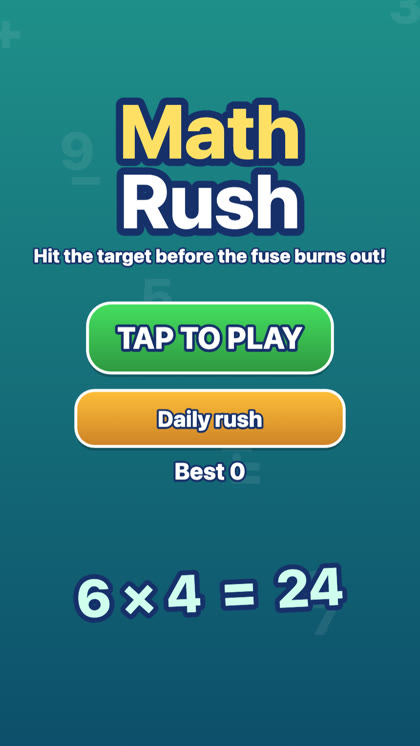 Math Rush
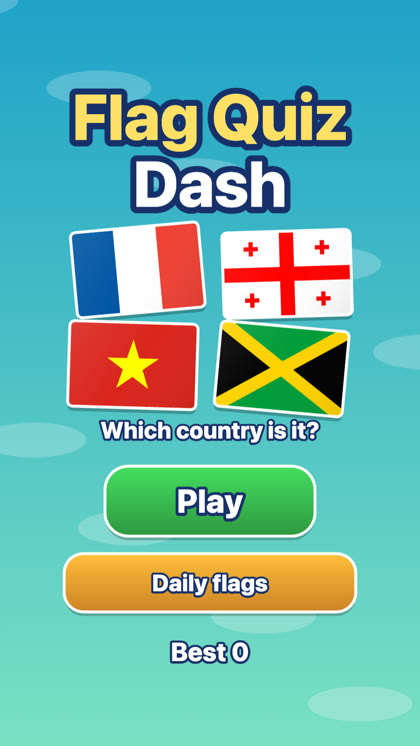 Flag Quiz Dash
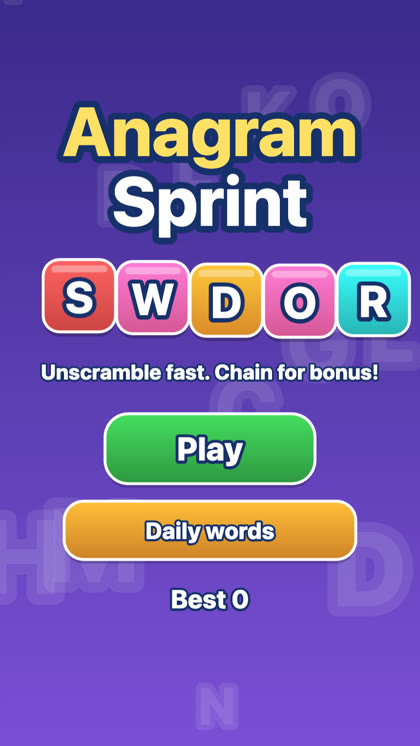 Anagram Sprint