How to make a quiz for your team, class or family night (free)
A home-made quiz is one of the easiest ways to get a team, a class or a family laughing. You do not need special software. The Quick Break Games quiz maker lets you write multiple-choice questions, save them, and share a link or a code. Everyone can play on their phone, or you can host a room so the whole group plays at the same moment.
Step 1: pick a starting point
Open the quiz maker. You can start from a blank quiz, a template with [Name] placeholders to replace, or a ready-made starter quiz that you can change. Templates are the fastest way to make a quiz about your own team.
Step 2: write the questions
- Add questions one at a time, or paste many at once. Use one question per line in this shape: Question | answer A | answer B | answer C | answer D | right letter.
- Keep each question short enough to read on a phone.
- Mix easy and tricky questions so everyone gets some right.
Step 3: save and share
Saved quizzes are unlisted: only people with your code or link can find them. You can keep up to 20 quizzes and make 10 a day, and a quiz that nobody plays for 90 days is removed. Keep quizzes friendly, because a reported quiz can be taken down.
Step 4: play it
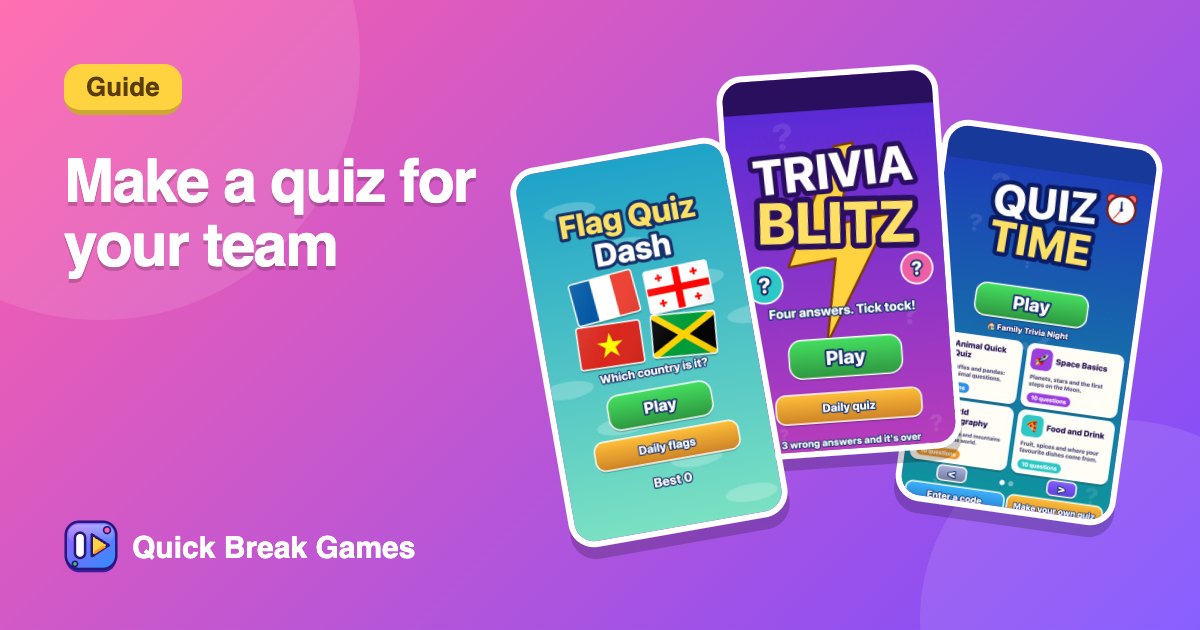
Open Quiz Time, enter the quiz code, and play alone or press Host a room so everyone races on the same questions.
Quiz ideas that work
- "How well do you know the team?" with fun facts about colleagues.
- A class review before a test.
- Family night: baby photos, movies, food and trivia.
- A themed round: geography, space or animals. Try Flag Quiz Dash and Trivia Blitz for ready-made rounds.
More: team games and classroom games.