Play games with friends online: no account, no download
Most multiplayer games ask everyone to download something and make an account first. A room code skips all that. One person hosts, everyone else types a code, and you are playing in under a minute.
How it works
- One person hosts a room and picks a game and a time.
- They share the six-letter code, link or QR code.
- Everyone joins from their own phone or laptop.
- The host presses Start. Everyone plays the same board at the same time. The highest score wins.
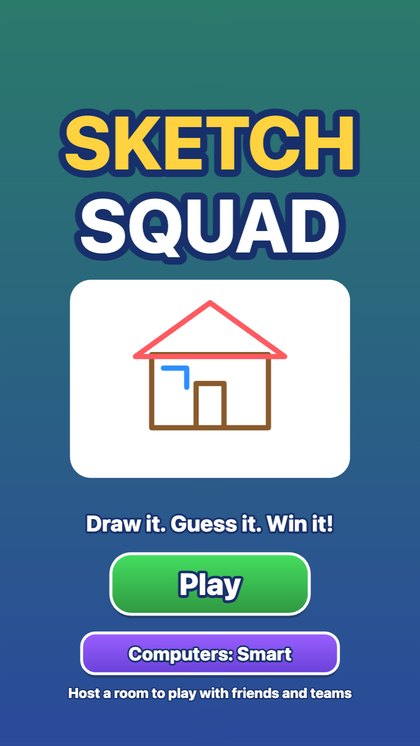
Sketch SquadOne player draws a secret word with a finger while everyone else races to pick it from four choices. Quick guesses score most.▶ Play
Games that suit a group
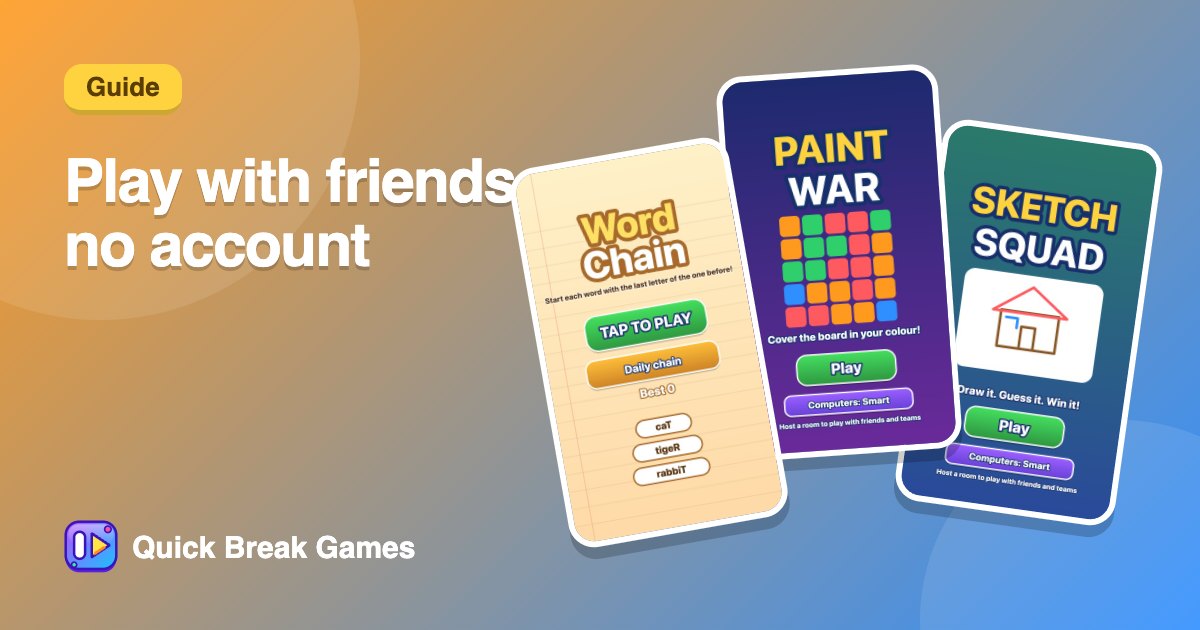
- Sketch Squad for drawing and guessing.
- Paint War for teams.
- Word Chain for a word-lover crowd.
Not everyone is online at once?
Add a computer player so the room still feels alive. Easy ones are friendly and hard ones push you. Or play the Daily 5 in the swipe feed, where everyone gets the same five games and compares scores later.
Good for
Long-distance friends, remote teams and classes. For work calls, see games to play on a Teams or Zoom call.
Full steps: how to host a game.