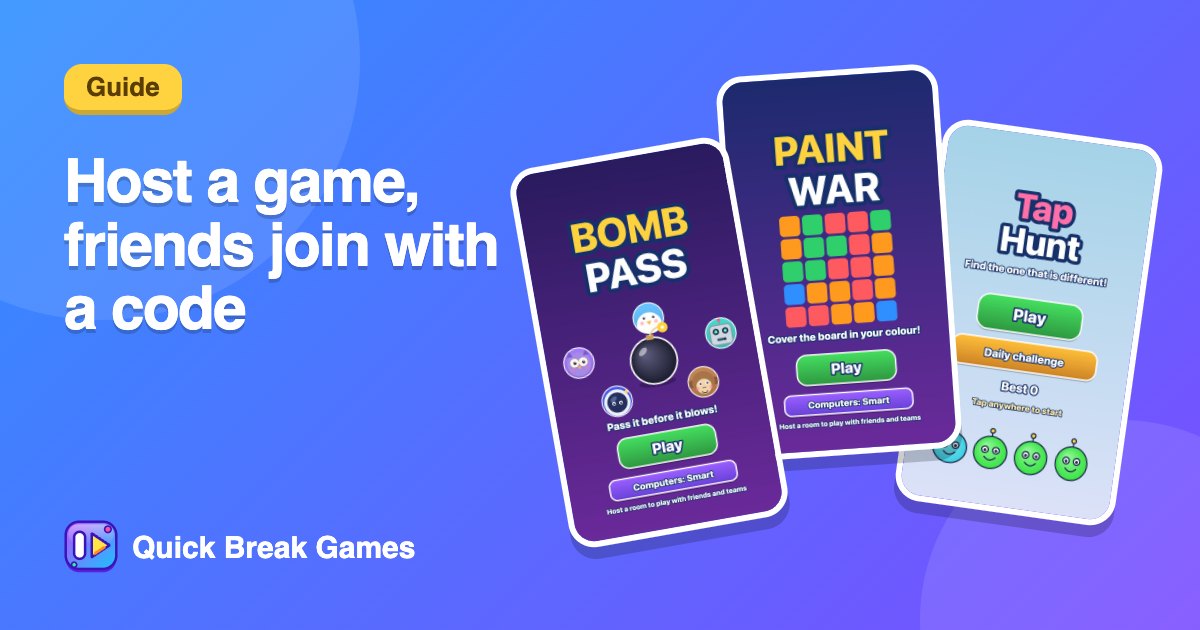
How to host a game and let friends join with a code
Hosting takes about a minute. You choose a game, get a six-letter code, and everyone who joins plays the same board at the same time, each on their own screen. The highest score wins.
Step by step
- Open Play with friends and choose Host a game.
- Pick the game everyone will play. Use Change to switch.
- Enter your name and choose how long: 1 minute, 90 seconds, 2 minutes, 5 minutes, or a custom 1 to 30 minutes.
- Tick I am just hosting if you want to run the room without playing.
- Press Create room.
- Share the room code, the link or the QR code. Press Start when people are in.
Good games to host
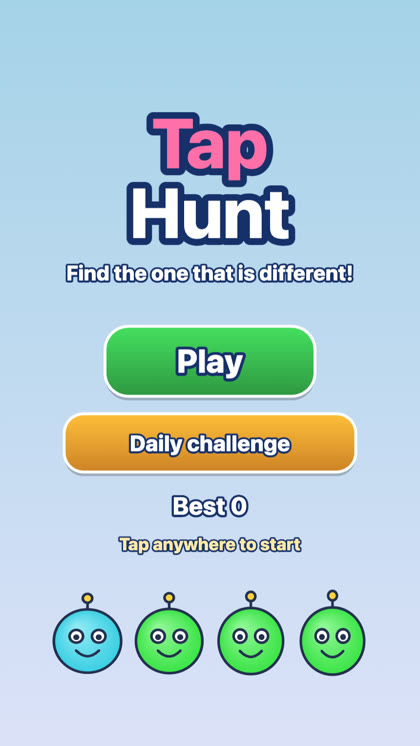
Tap HuntFind the one face that is different before time runs out.▶ Play
Pick something with an obvious winner. Tap Hunt is easy to explain, Paint War works well for teams, and Bomb Pass gets people laughing.
Extras for hosts
- Teams: split the room into teams.
- Computer player: add one so the room is never empty. Easy ones are friendly, hard ones push you.
- Big screen: open the screen page on a TV or projector and drag it over. Press F for full screen.
- Quiz: use a quiz you made yourself.
Your friends will need to know how to get in. Send them how to join a game room from a phone.