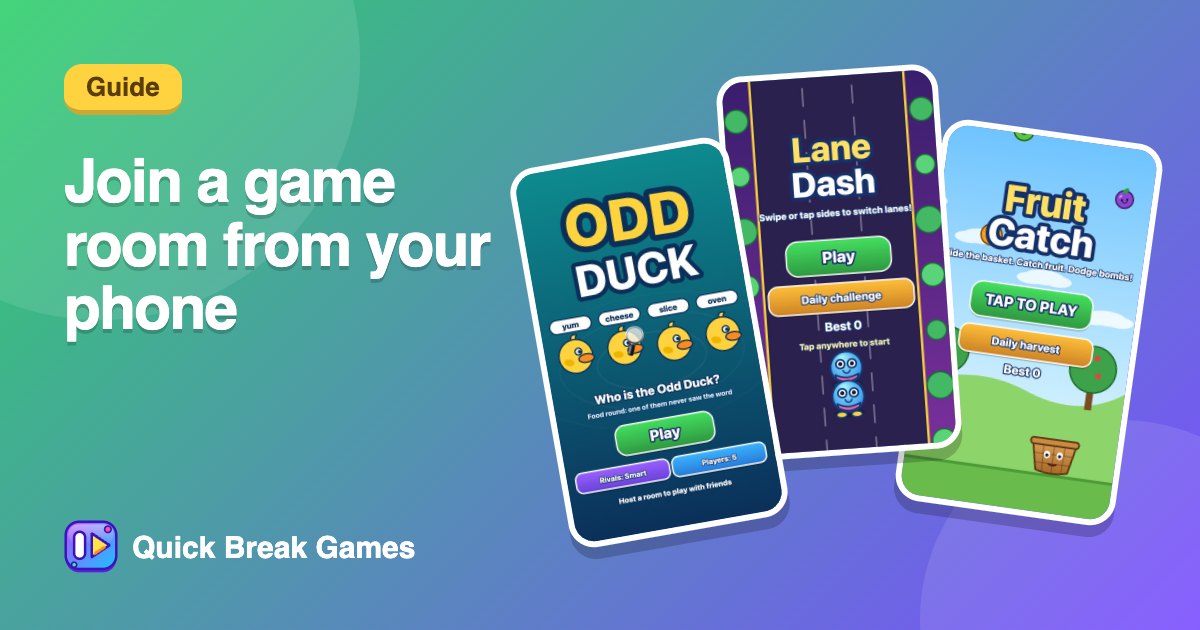
How to join a game room from your phone
Someone sent you a code. You do not need an app or an account. Open the page, type the code and you are in.
Join in three steps
- Open quickbreakgames.com/play in your phone browser.
- Choose Join with a code and type the room code.
- Enter your name and press Join. Then wait for the host to start.
If your friend shared a link or QR code, just open it and the code is filled in for you.
While you wait
The screen says it is waiting for the host. When the round starts, everyone gets the same board at the same moment, and scores update live.
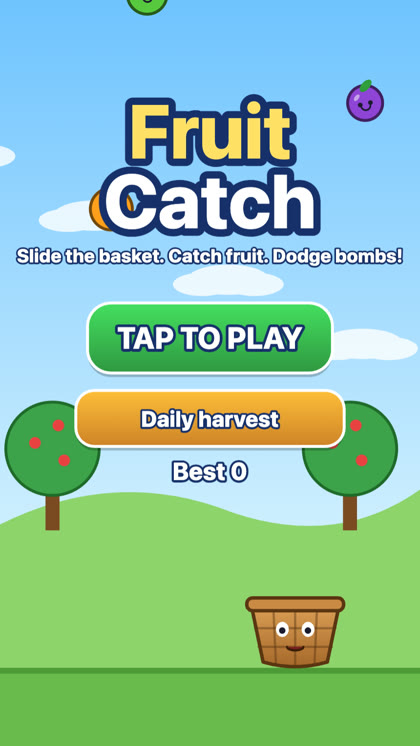
Fruit CatchCatch the fruit, dodge the bombs and build a huge combo.▶ Play
Rooms you might land in
Rooms can use any game. You may find Fruit Catch, Lane Dash or Odd Duck. Each is quick to learn, so even if you have not seen it before, you will get it in a few seconds.
If it does not work
- Check the code for typos. Codes are six letters.
- Ask the host to confirm the room is still open.
- Try another browser, or refresh the page.
Want to be the host next time? Read how to host a game.