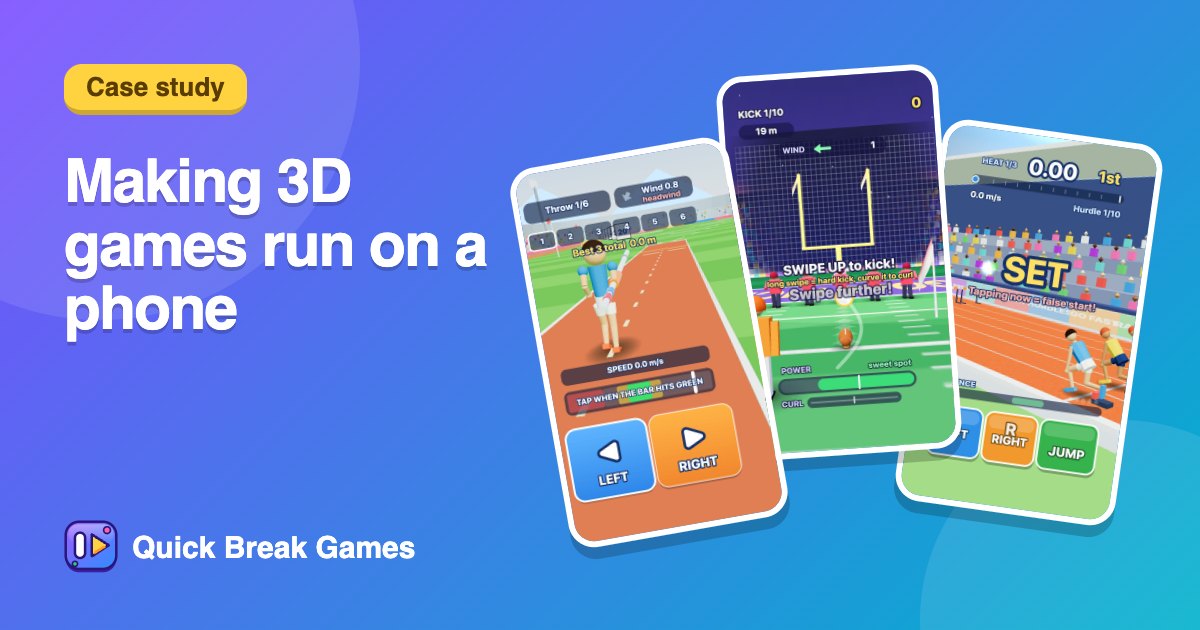
Case study: making 3D browser games run on a phone
We now have more than fifty 3D games, all running in a phone browser with no download. Here is what we do to keep them fast, and what we measure.
Budget before beauty
Every 3D game has a budget: about 150 draw calls and 60,000 triangles at most. Our new sports games land well under that, with about 20 to 70 draw calls and 10,000 to 45,000 triangles. We get there with low-poly shapes, one sun light, simple fog and soft blob shadows instead of real shadow maps.
Crowds and repeated objects
Stadium crowds use instanced meshes: one object drawn hundreds of times. A crowd of a thousand costs about the same as one person. Particles, darts and sparks are reused from a pool, so nothing is created while you play.
A quality scaler
Each game watches its frame rate. If it drops below about 42 to 45 frames a second, the game quietly lowers the resolution until it runs smoothly, and remembers the choice.
Loading you can see
Phones can show a blank screen while a 3D game starts. Now a loading screen stays up until the first frames are drawn and any models have arrived, and the app waits for the same signal before showing a game.
Caching
The 3D library and the models are cached for a long time. In our test on a throttled 4G connection, a repeat visit to a 3D game transferred about 72 KB instead of about 200 KB.
What we cannot promise
We test with a software renderer and scripted players, not on every phone. If a game runs slowly on yours, the contact page is the fastest way to tell us the model of your phone.
See the results on the 3D games page, or try Surf Rider, Ski Jump Champ or Hurdle Sprint.