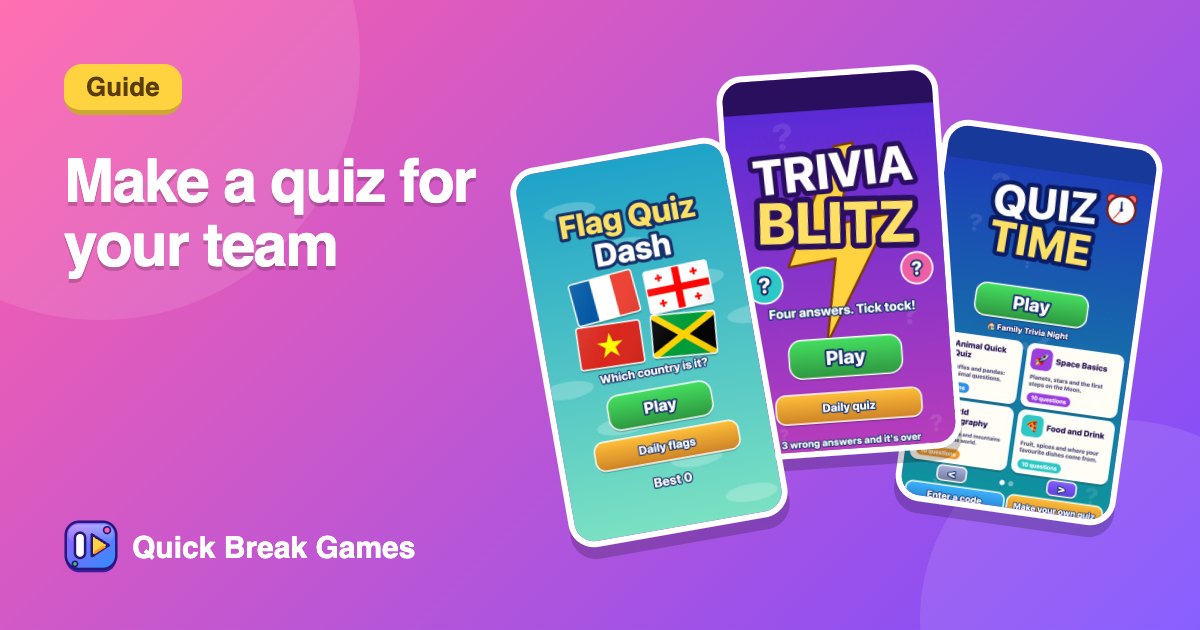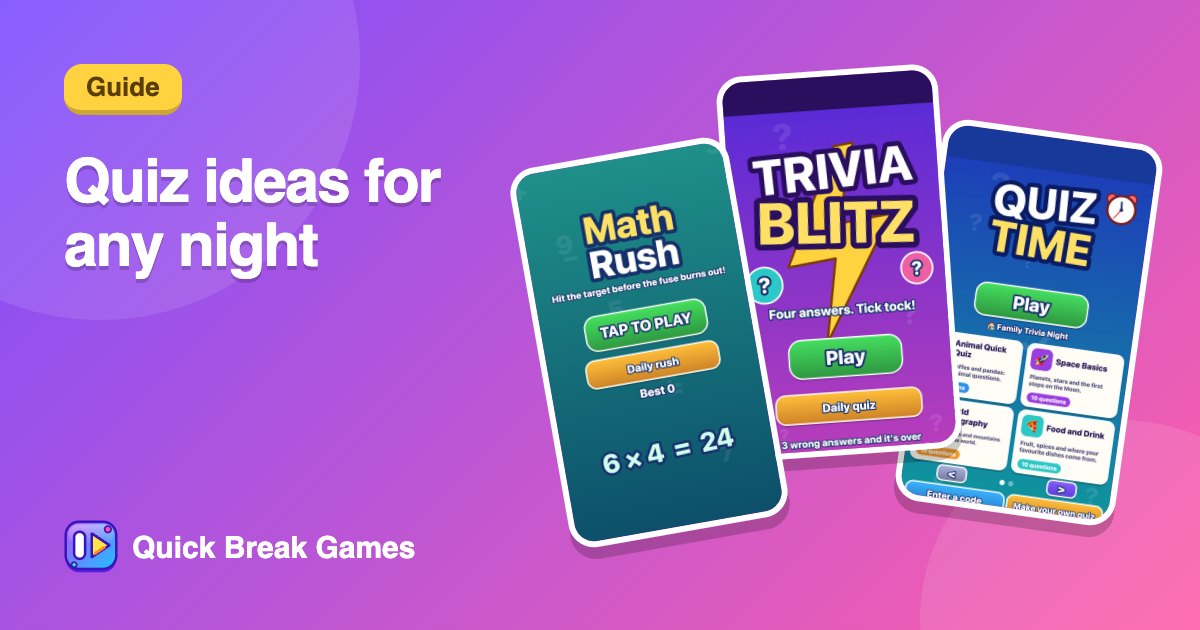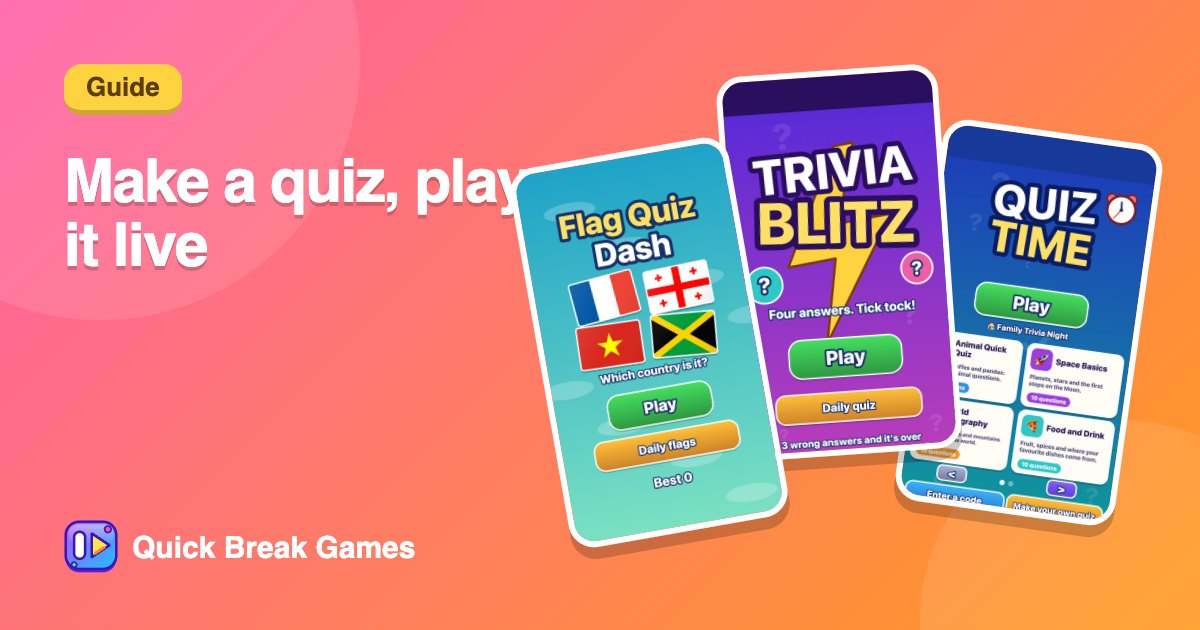
Make your own quiz and play it live with a room
The quiz maker lets you write a multiple-choice quiz for a class, a team or a family night, then play it alone or live with a room. It is free.
Build the quiz
- Open Make a quiz.
- Start from a blank quiz, a template or a ready-made starter quiz. Templates have [Name] placeholders to replace.
- Add a title, then add questions with four answers and mark the right one.
- Press Save my quiz to get a code and link.
Paste many questions at once
If you already have questions in a document, use Paste many questions at once. Put one question per line in this form:
Question | answer A | answer B | answer C | answer D | right letter
Play it live
Open Host a game and choose Use this quiz with your code. Players join with the room code and answer on their own phones. Put the big-screen page on a projector so the room can see scores.
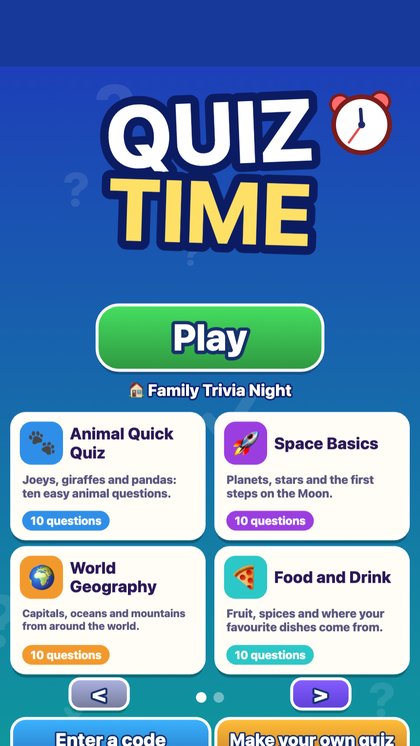
Quiz TimePlay ready-made quizzes or your friends' own, 15 seconds a question, build a streak, and share a code with a class or team.▶ Play
Not ready to write your own? Quiz Time, Trivia Blitz and Flag Quiz Dash are ready to play.
Good to know
- Quizzes are unlisted: only people with your code or link can find them.
- You can have up to 20 quizzes and make 10 a day.
- A quiz nobody plays for 90 days is removed.
- Keep it friendly. A reported quiz can be taken down.
Need topics? See quiz ideas for class, family and team nights.