
Games for video calls
The easiest way to play on a video call is for everyone to play on their own device. Paste a link in the chat, everyone joins and you carry on talking.
How to do it
- On the call, open Host a room in another tab. Pick a game and a length.
- Copy the link and paste it into the Zoom, Teams or Meet chat.
- Everyone clicks, types a nickname and waits in the lobby.
- Press Start. Keep the call on speaker or on a second device, and cheer.
Why not share your screen?
- With a shared screen only one person plays. Here everyone does.
- No lag from screen share, and no one needs to be a spectator.
- People on a poor connection can still join, since the games are small.
Games that suit a call
- Tap Hunt: everyone sees the same crowd, so you can shout "found it".
- Word Chain: friendly for a mixed group.
- Math Rush: a quick mental workout.
- Colour Clash: reliably funny.
Tips
- Keep it to a couple of minutes per game. Calls get tired quickly.
- Mute while playing if people get loud.
- Ask people to put their cameras on for the podium.
Questions
Does it work with Zoom, Teams and Google Meet?
Yes. It is just a link, so it works with any call tool or chat.
Do we need to share the screen?
No. Everyone plays in their own browser.
Do people need to log in?
No.
 Tap Hunt
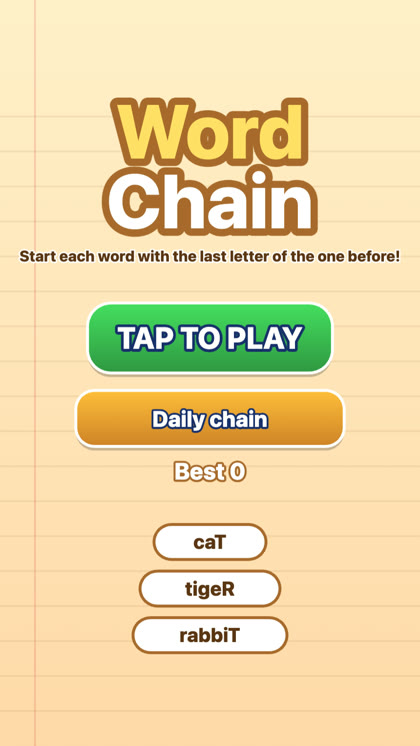 Word Chain
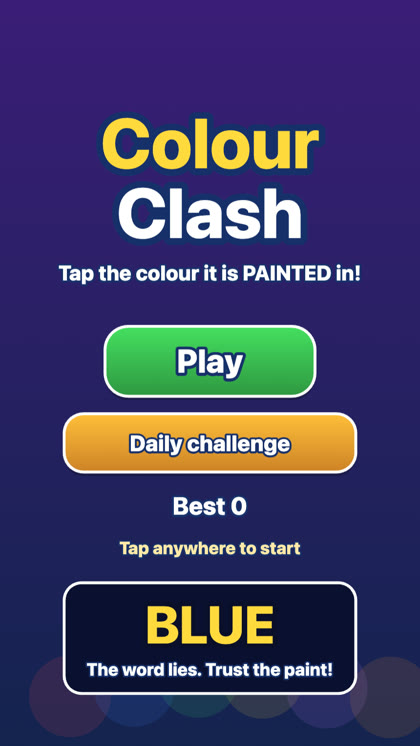 Colour Clash