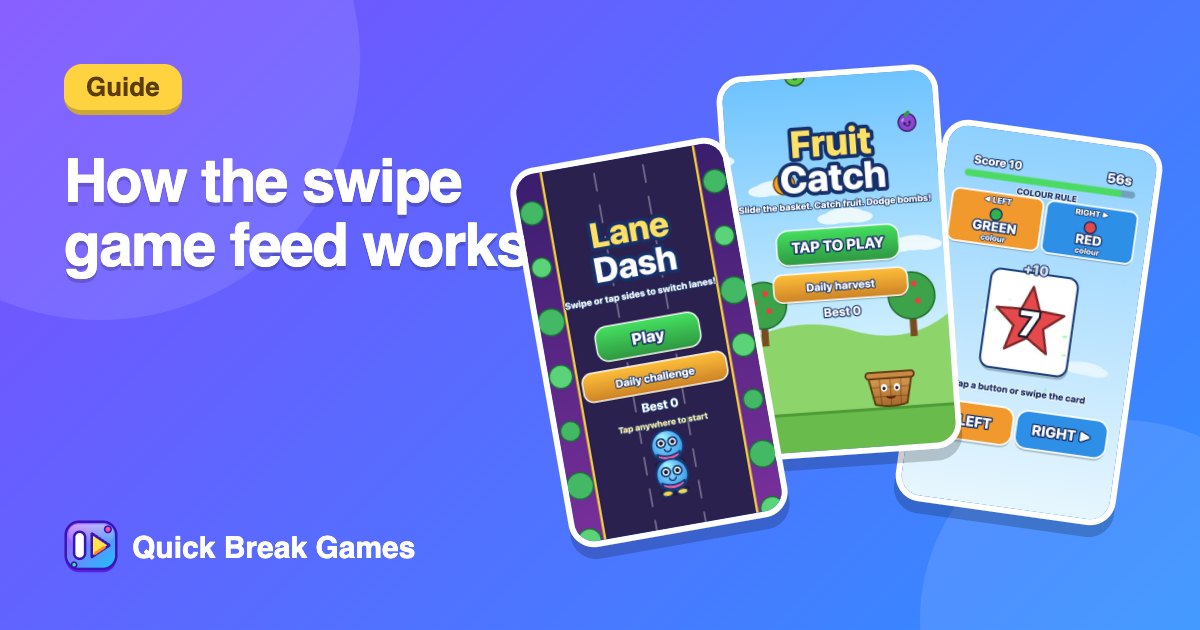
How the swipe game feed works: controls, tips and what to expect
The swipe feed is the fastest way into Quick Break Games. It shows one game at a time, full screen, and you move through them with a swipe. Here is what to expect.
Moving between games
- On a phone: swipe up for the next game and down to go back.
- On a computer: use the up and down arrow keys, or the Next button.
- Sharing: the link button copies a link to the game you are on.
Playing a game
Tap to start. Every game is built to be understood in a few seconds, and the info button explains the rules if you want them. Rounds last 30 seconds to two minutes, so you can finish a game before the bus arrives.
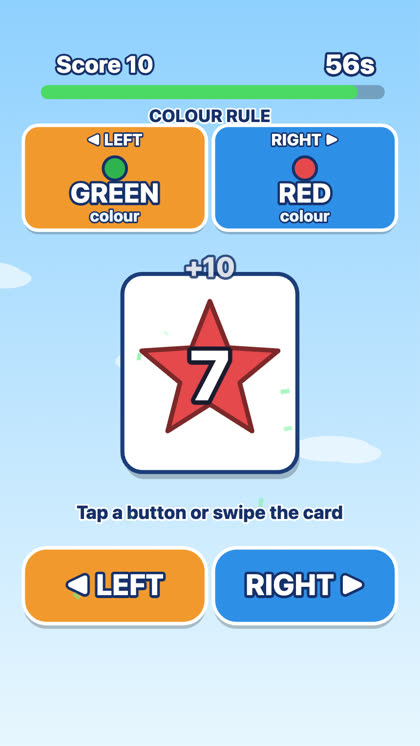
Swipe Rule is a nice example of the format: cards fly in, a rule is shown, and you sort them left or right as fast as you can. Fruit Catch and Lane Dash are good for a steadier rhythm.
Play together from inside the feed
Open Play together and you can:
- Host a game: you get a code and friends join from any phone.
- Join: type a code someone sent you.
- Play with AI: pick a computer player and start straight away.
There is also a Daily 5, which is five games and one score that is the same for everyone, plus leaderboards and a big-screen mode for a projector or TV.
Tips
- Do not spend long on a game that is not clicking. Swipe on.
- Return to a game you liked and go for a better score. Short rounds make that painless.
- Use a quiet moment for the more careful games and a noisy one for the quick reflex games.
New here? Start with TikTok-style games: swipe up and play.